Trippelskärm – portabel LCD-skärm för laptop (1920×1200 IPS, USB-C & USB 3.0)
Trippelskärm – portabel LCD-skärm för laptop (1920×1200 IPS, USB-C & USB 3.0)
✺ Förbättrad blodcirkulation
✺ Djup avslappning med värme
✺ Lindrar trötta och tunga ben
Säljer snabbt! Endast ett fåtal kvar
Det gick inte att ladda hämtningstillgänglighet


Frakt och Returer
Frakt och Returer
✓Fri frakt på alla beställningar– inga dolda avgifter.
✓ Du har alltid30 dagars öppet köp– om du inte är nöjd kan du returnera produkten.
✓ Enkel returprocess: kontakta oss så hjälper vi dig steg för steg.
30-dagars garanti
30-dagars garanti
Vi vill att du ska känna dig helt trygg när du handlar hos oss. Därför erbjuder vi30 dagars nöjd-kund-garantiom SereniFem™ inte lever upp till dina förväntningar får du enkelt pengarna tillbaka.


-

Betala Senare Med Klarna
-

Fri Frakt i Hela Sverige
-

60-Dagars Nöjdhetsgaranti


Trippelskärm – portabel LCD-skärm för laptop (1920×1200 IPS, USB-C & USB 3.0)
Att arbeta eller studera på en liten laptopskärm kan snabbt bli frustrerande. Du tvingas hela tiden växla mellan fönster, multitasking blir svårt och produktiviteten sjunker. Samma sak gäller när du spelar eller streamar – skärmen räcker helt enkelt inte till.
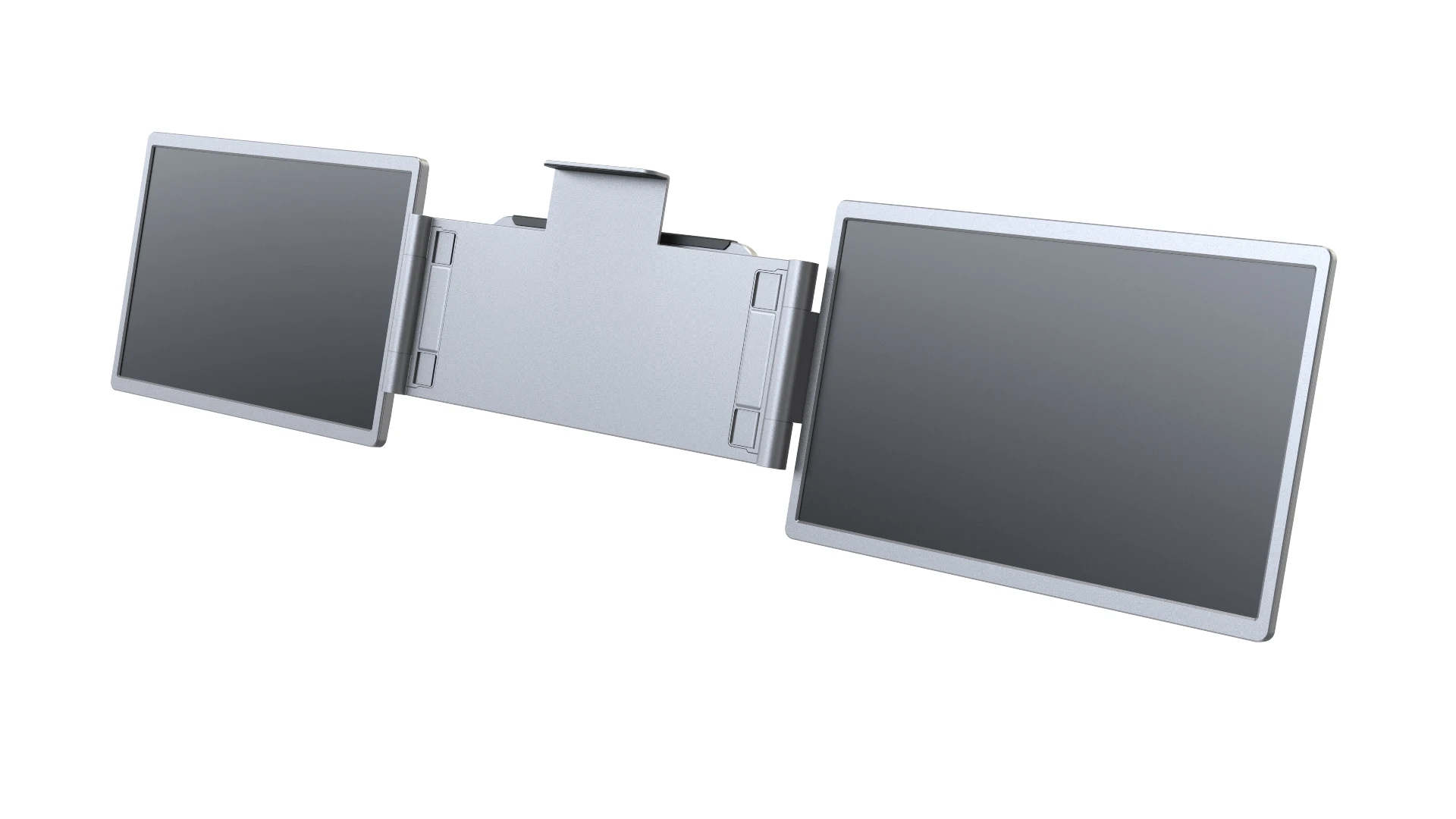
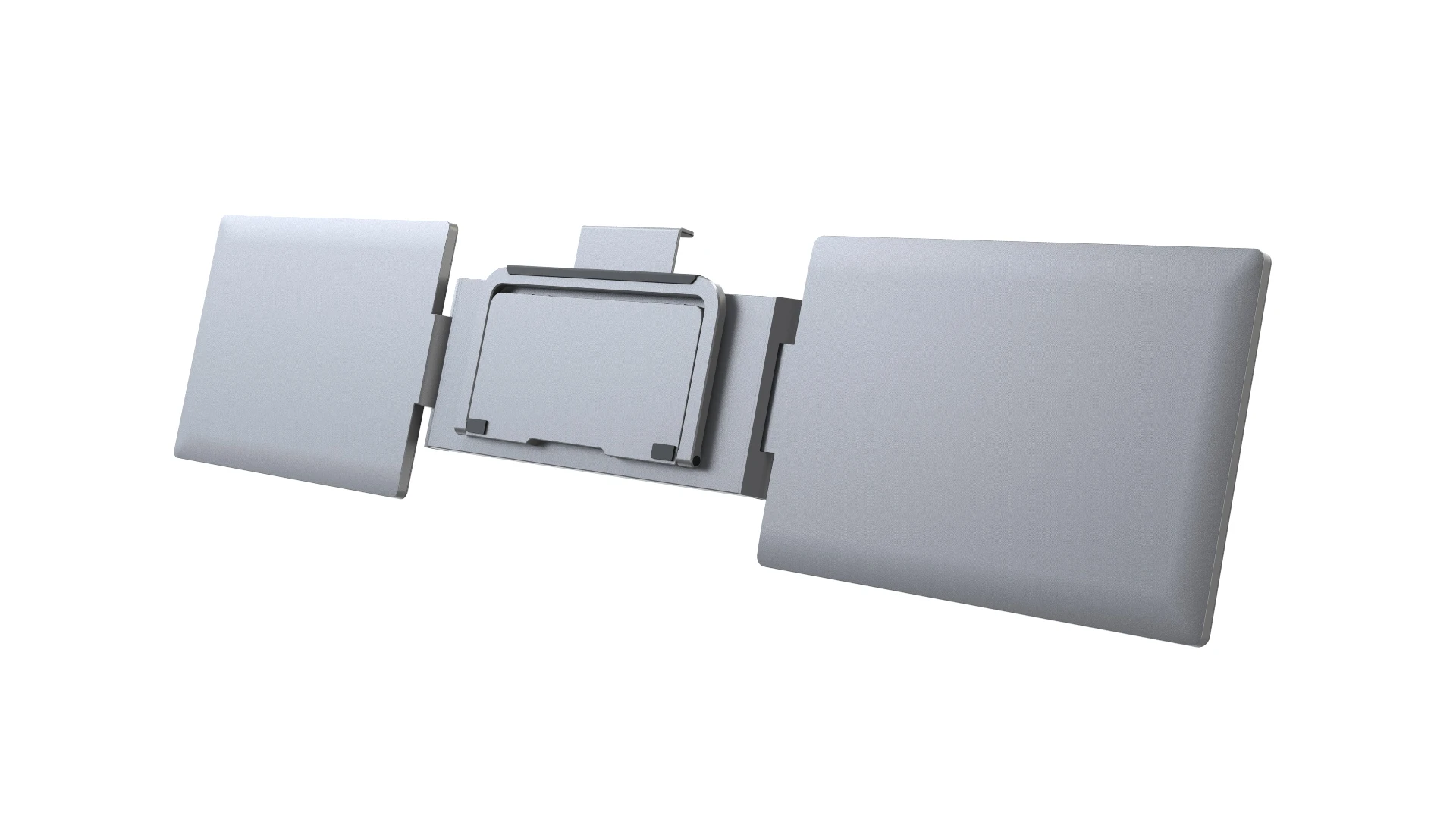
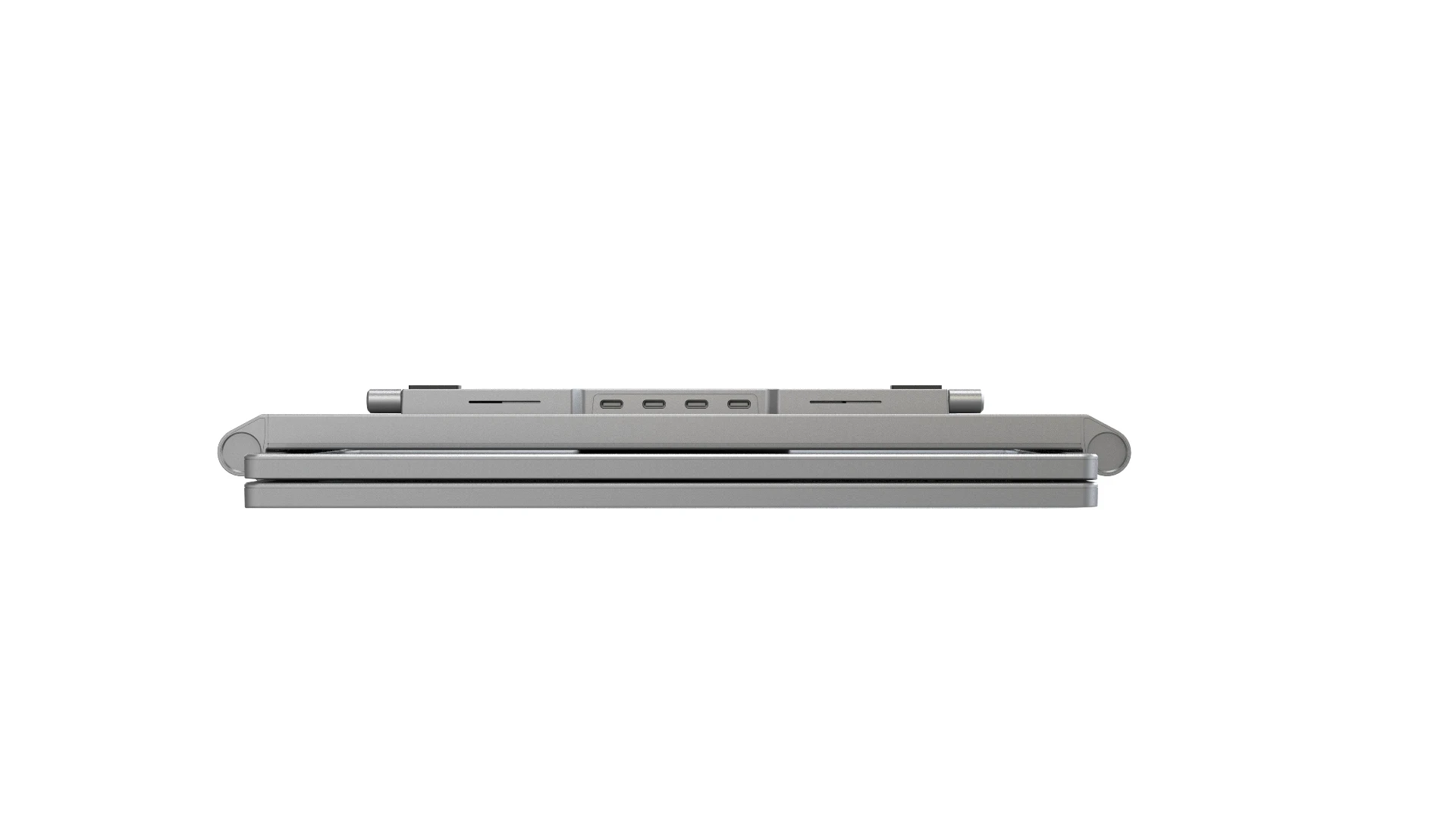
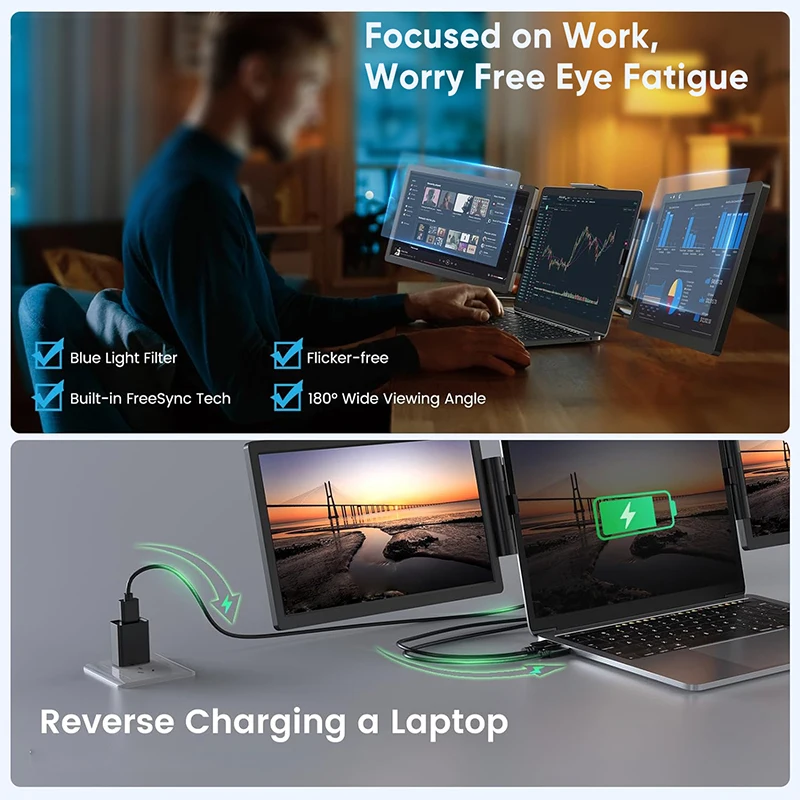
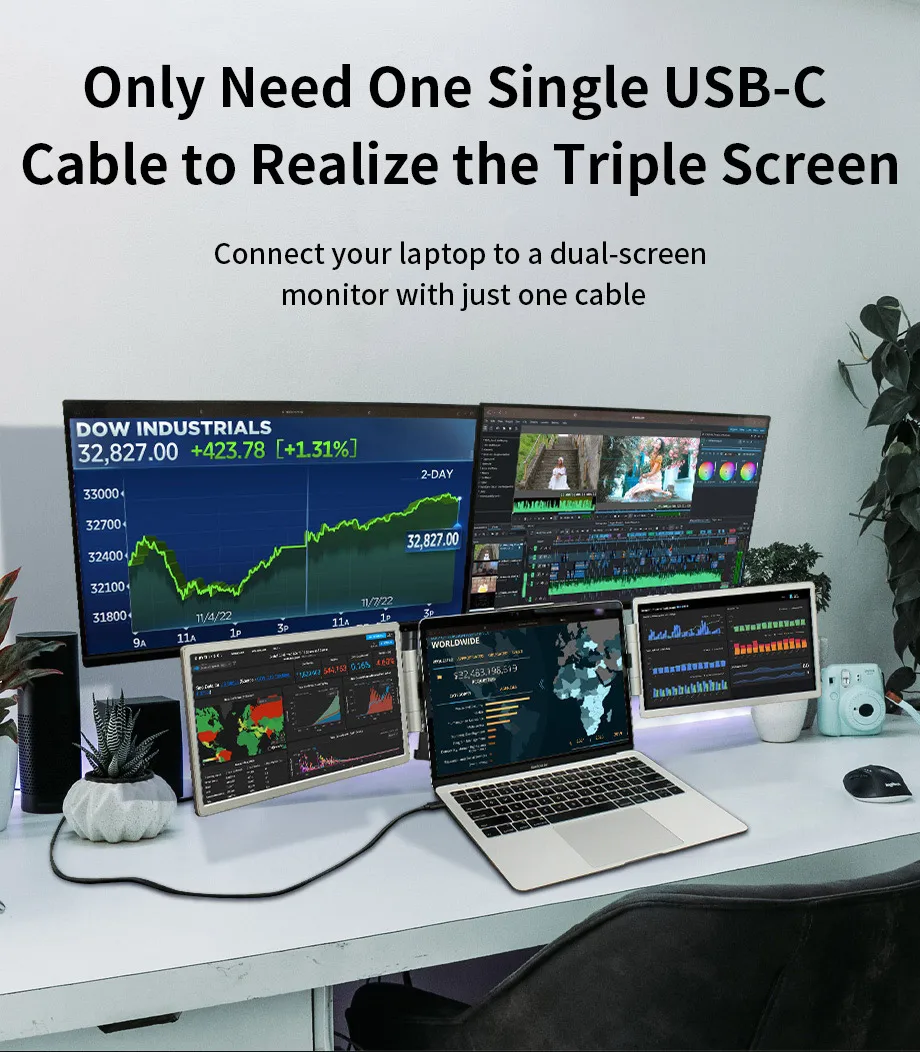
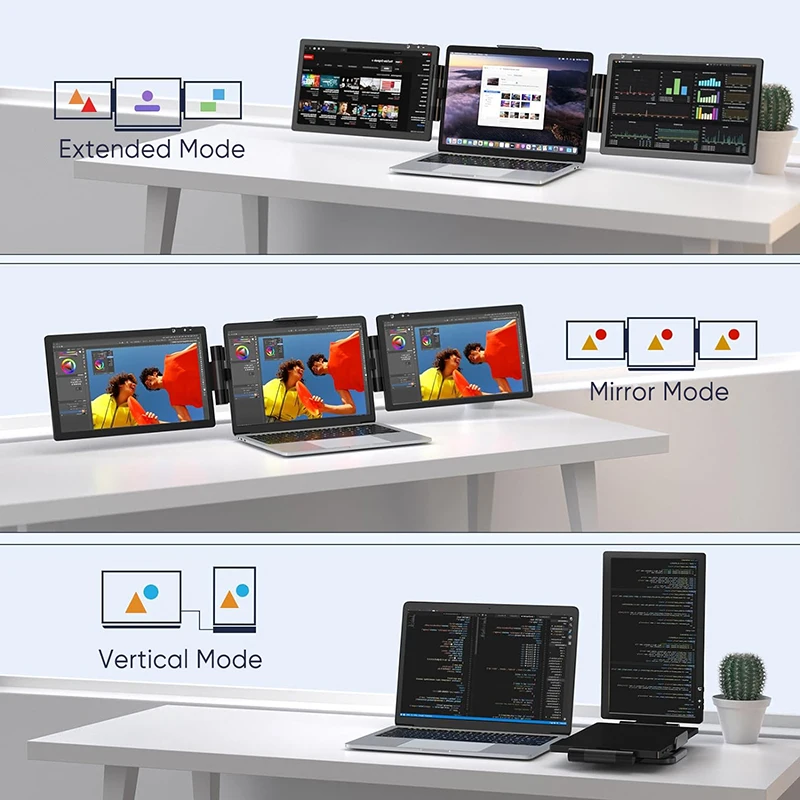
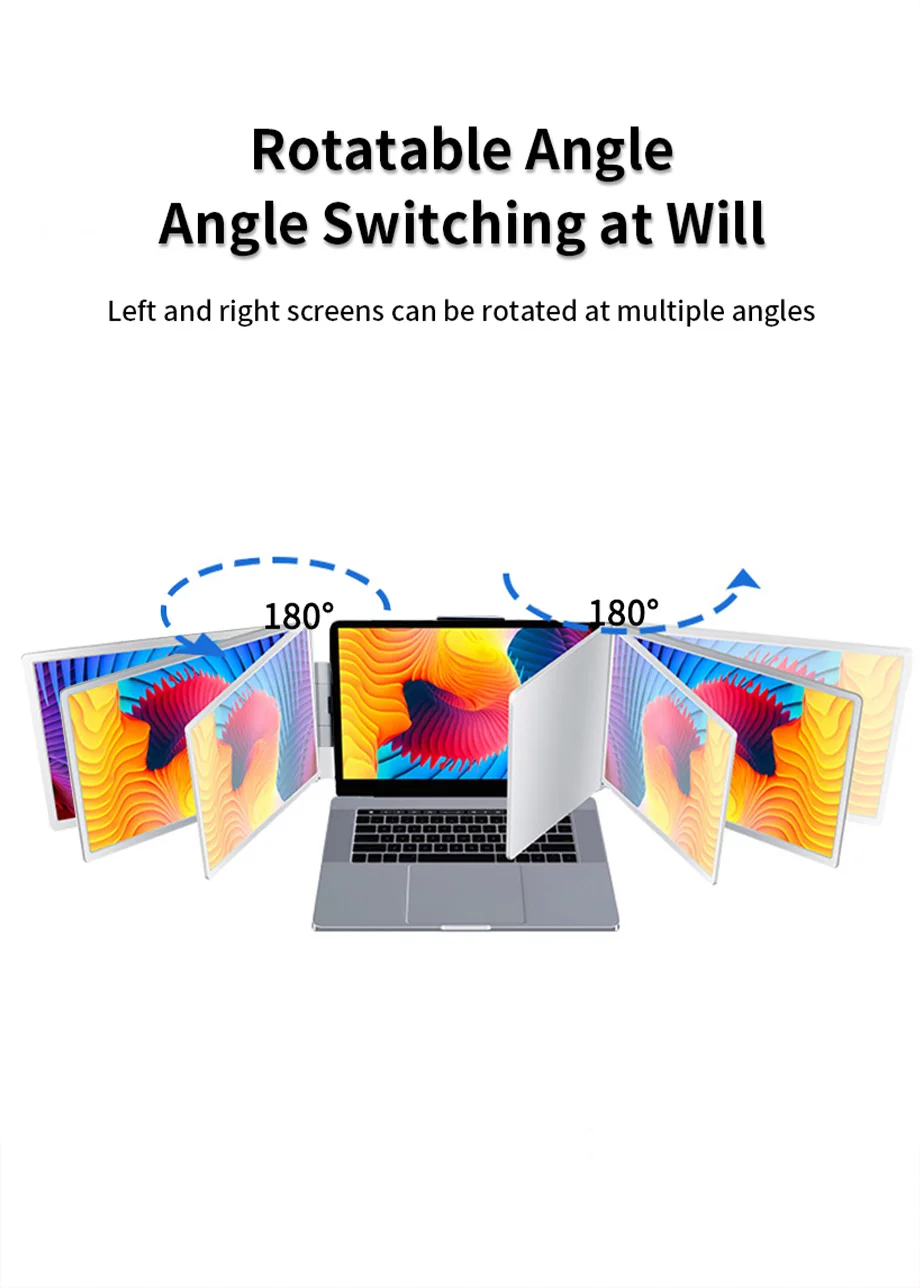
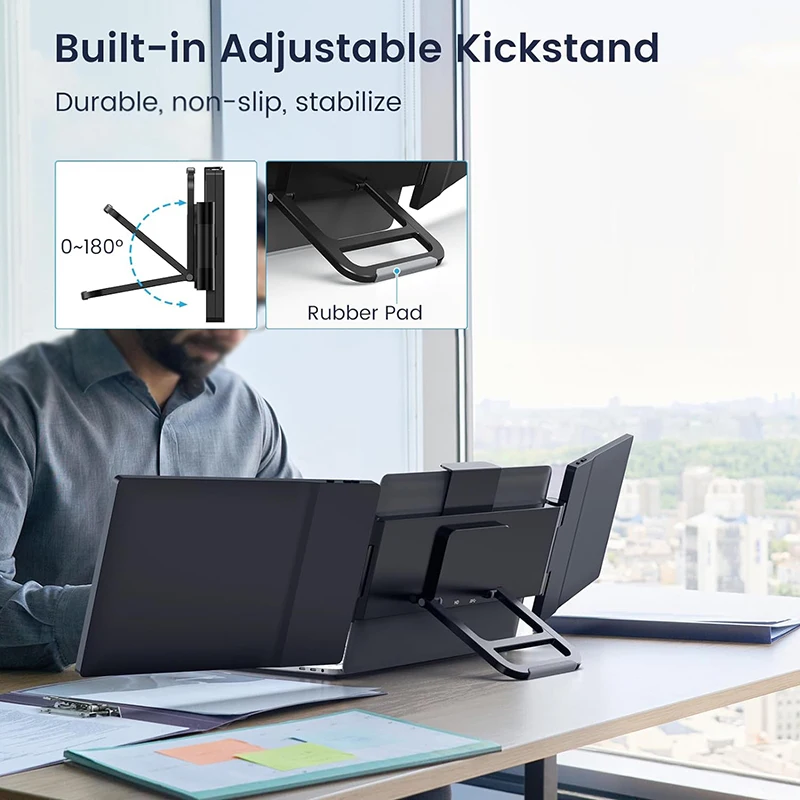
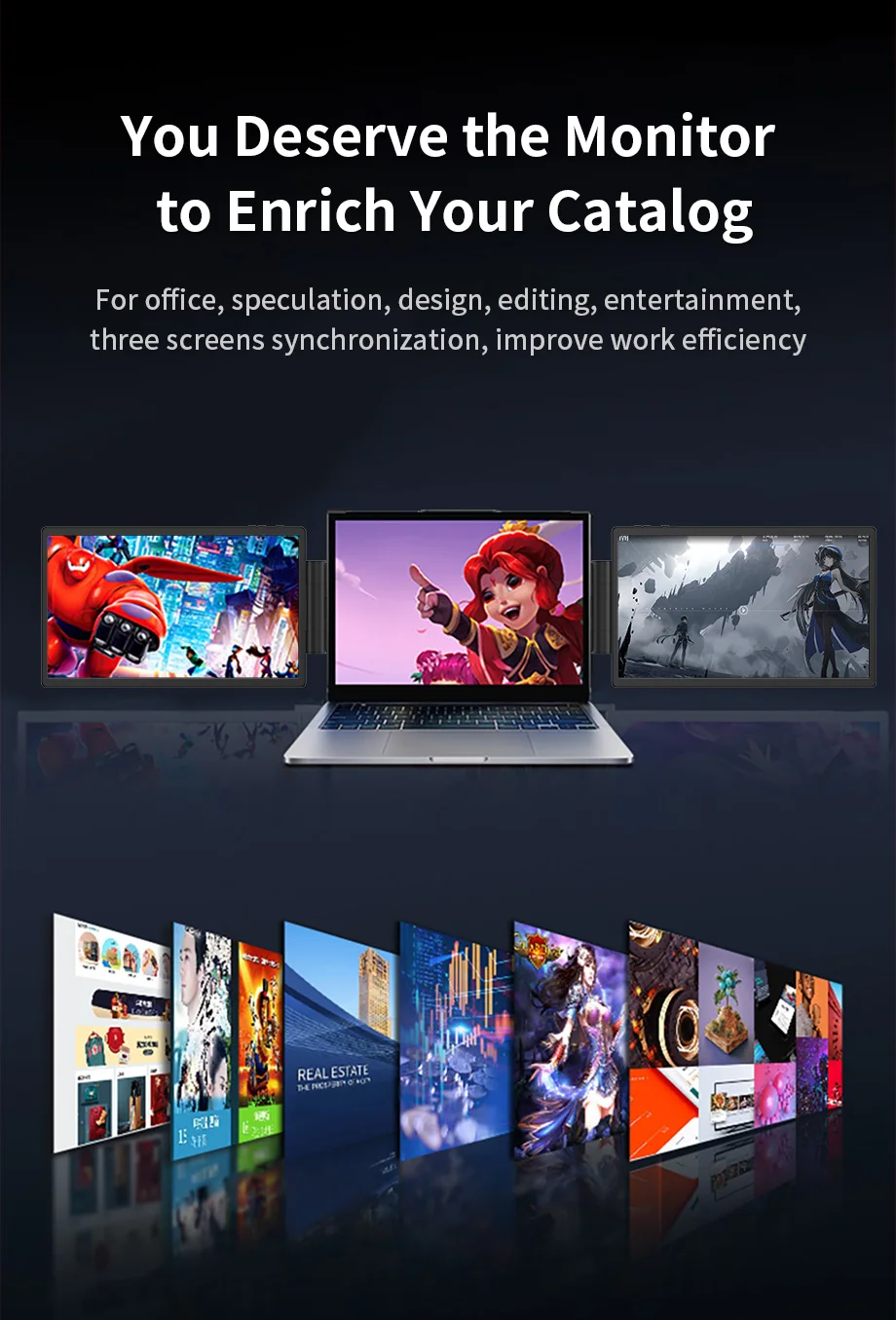
Med denna portabla trippelskärm får du tre gånger mer yta direkt på din laptop. De två extra skärmarna fästs enkelt och drivs via USB-C eller USB 3.0, och den högupplösta IPS-panelen (1920×1200) ger skarpa färger och breda betraktningsvinklar. Perfekt för jobb, studier, trading, kreativt arbete eller gaming. Du får friheten att arbeta smartare, snabbare och mer bekvämt – var du än befinner dig.
|
Item
|
Value
|
|
Screen
|
14 " LCD IPS screen *2
|
|
Resolution
|
1920RGB*1200
|
|
Display area
|
301.5936(H)x188.496(V)(mm)
|
|
Display area
|
W-LED backlight
|
|
Backlight type
|
W-LED backlight
|
|
Brightness
|
LCM brightness (center): 200cd/m 2 (min), 250cd/m 2 (max)
|
|
Contrast
|
1000:1
|
|
Angle of view
|
Measure the viewing angle at the center point of
the LCD by CONOSCOPE (ergo-80) |
|
Pixel Pitch
|
157.08(H)×157.08(V) ummm
|
|
Display the Mumber of Colors
|
16.2M
|
|
Screen Ratio
|
16 : 10(Wide screen)
|
|
Refresh Rate
|
60hz
|
|
Color Rhyme
|
45% NTSC
|
|
Response Time
|
20(Typ.)(Tr+Td)ms
|
|
Button
|
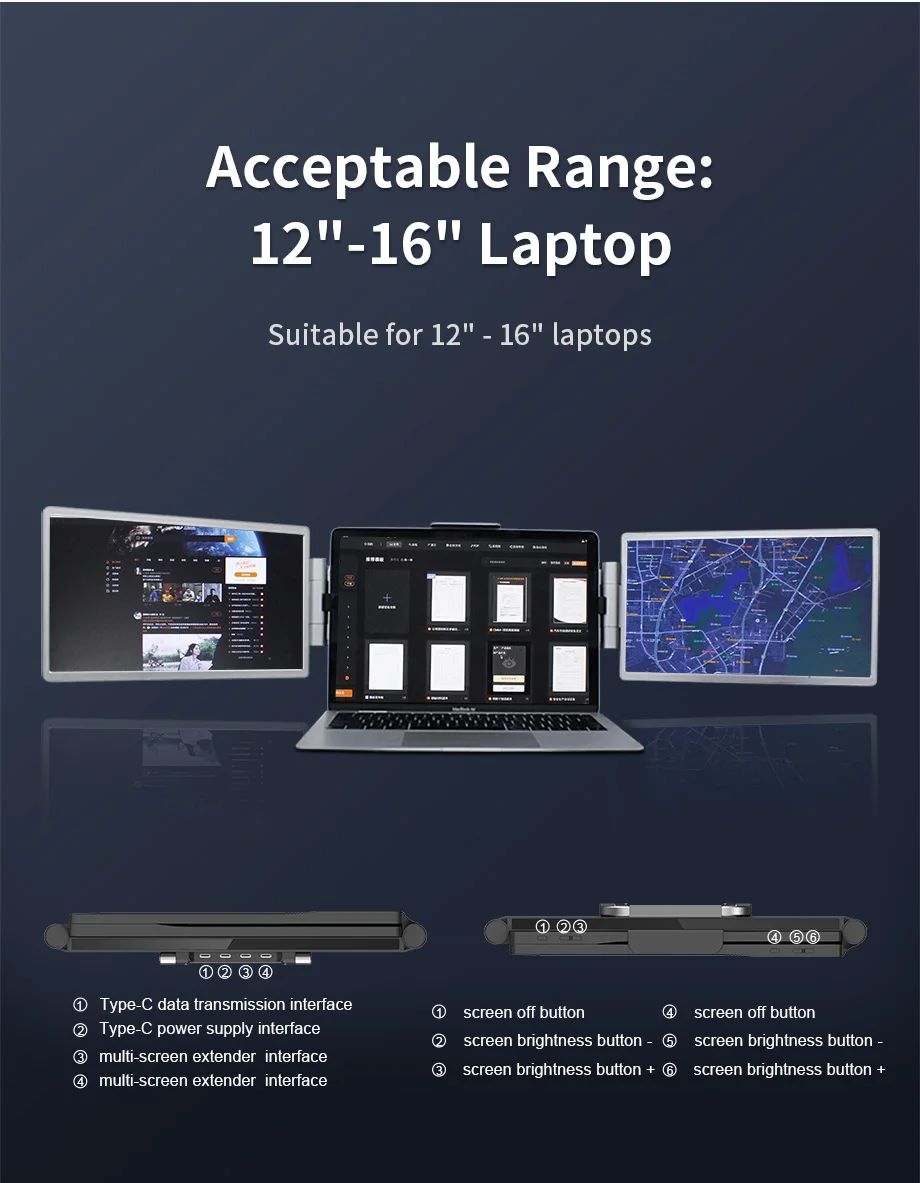
Screen sleep key, screen brightness key +.
Screen brightness key - |
|
Interface
|
Type-c*4
(host computer interface*1, PD power supply interface*1, extension interface*2)
|
|
Video output
|
USB2.0, USB3.0, TYPE C, TYPE A
|
|
Power input
|
5V-20V PD input (supplied through Type-c)
|
|
Bare Metal Size(L*W*H)
|
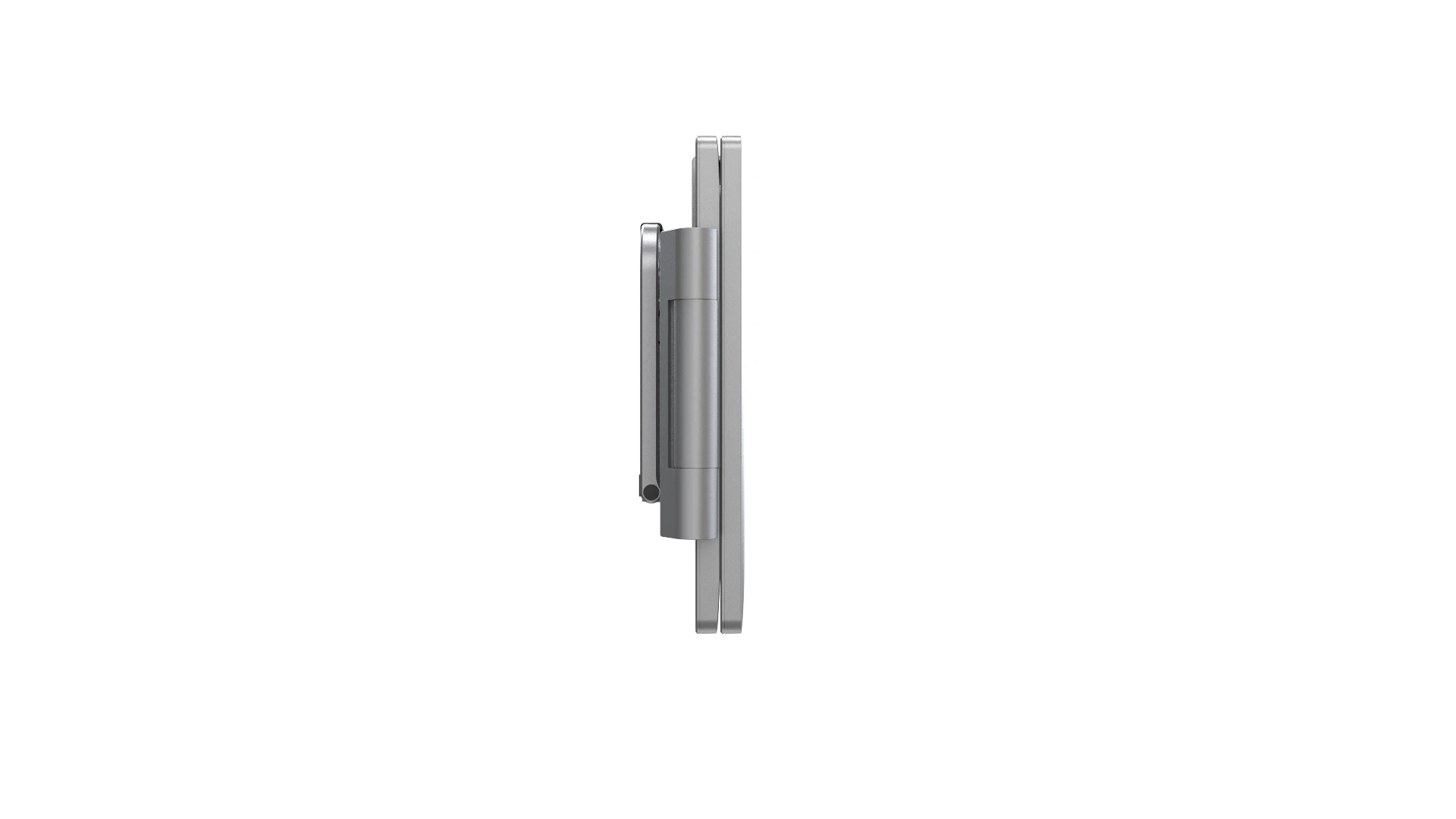
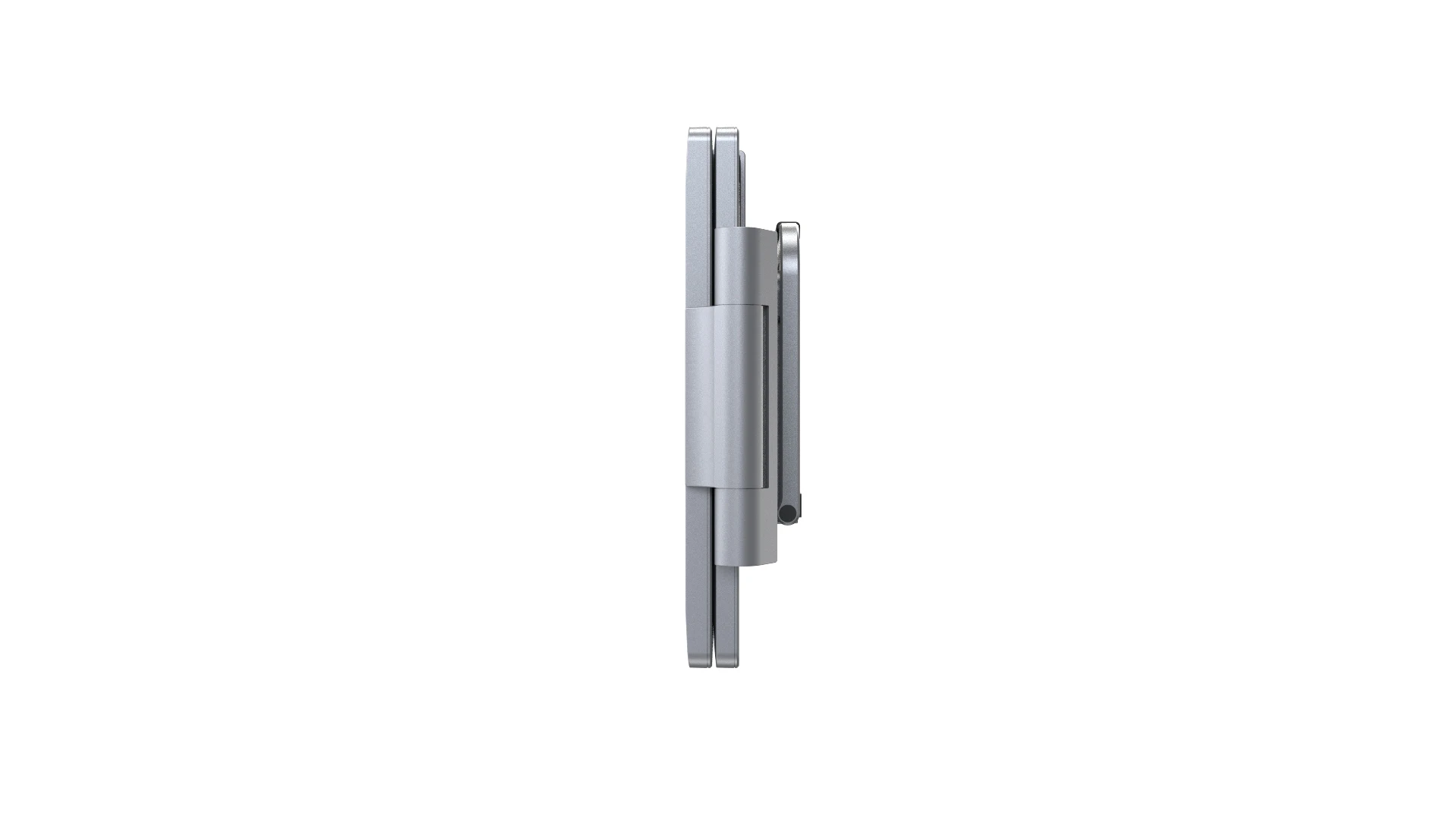
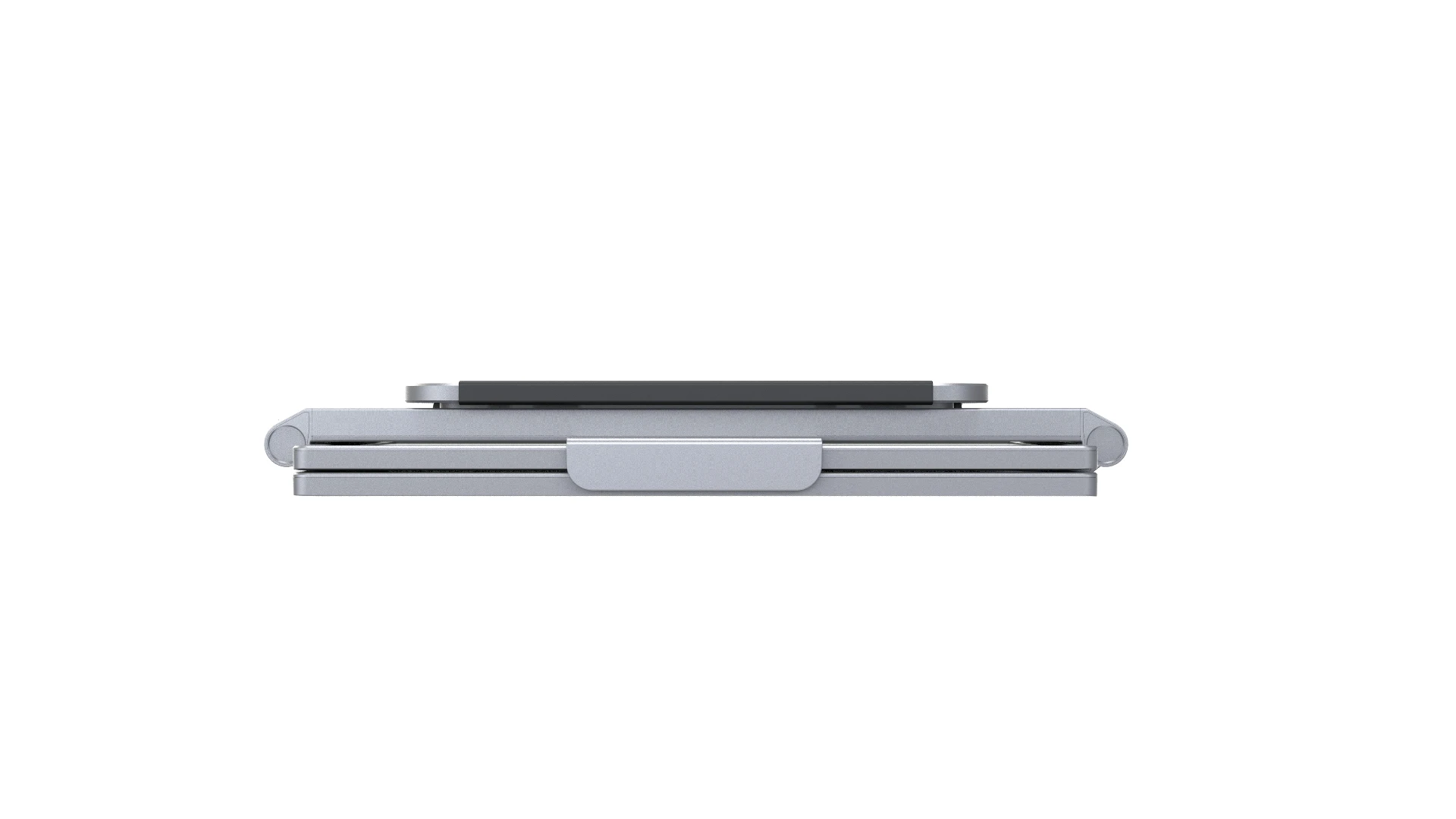
Folding size: 35.3x21.9x4.9cm
Unfolded size: 102x21.4x0.9cm |
|
Bare Metal Weight
|
2.7KG
|
|
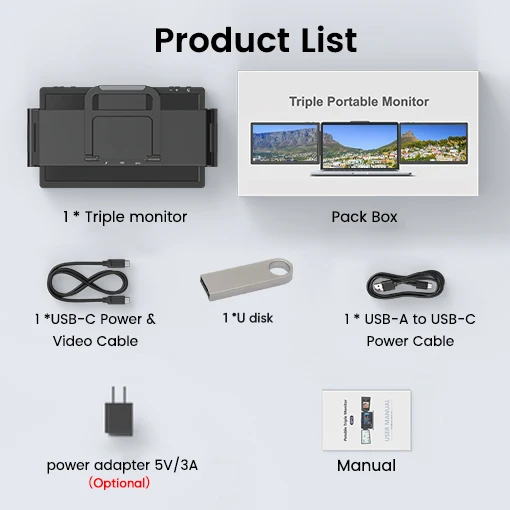
Accessoriese
|
Host*1, USB-C USB-Adata cable*1 U disk*1Adapter(optinal)
|